Apple’s new touchscreen MacBook Pro challenges a design philosophy that defined the Mac for more than a decade. But for creative professionals who bought an iPad Pro to draw, edit and design, the bigger question is whether Apple has finally built the machine they wanted all along.
Apple has spent more than a decade keeping touchscreens off its MacBooks. Now, it is changing that approach.
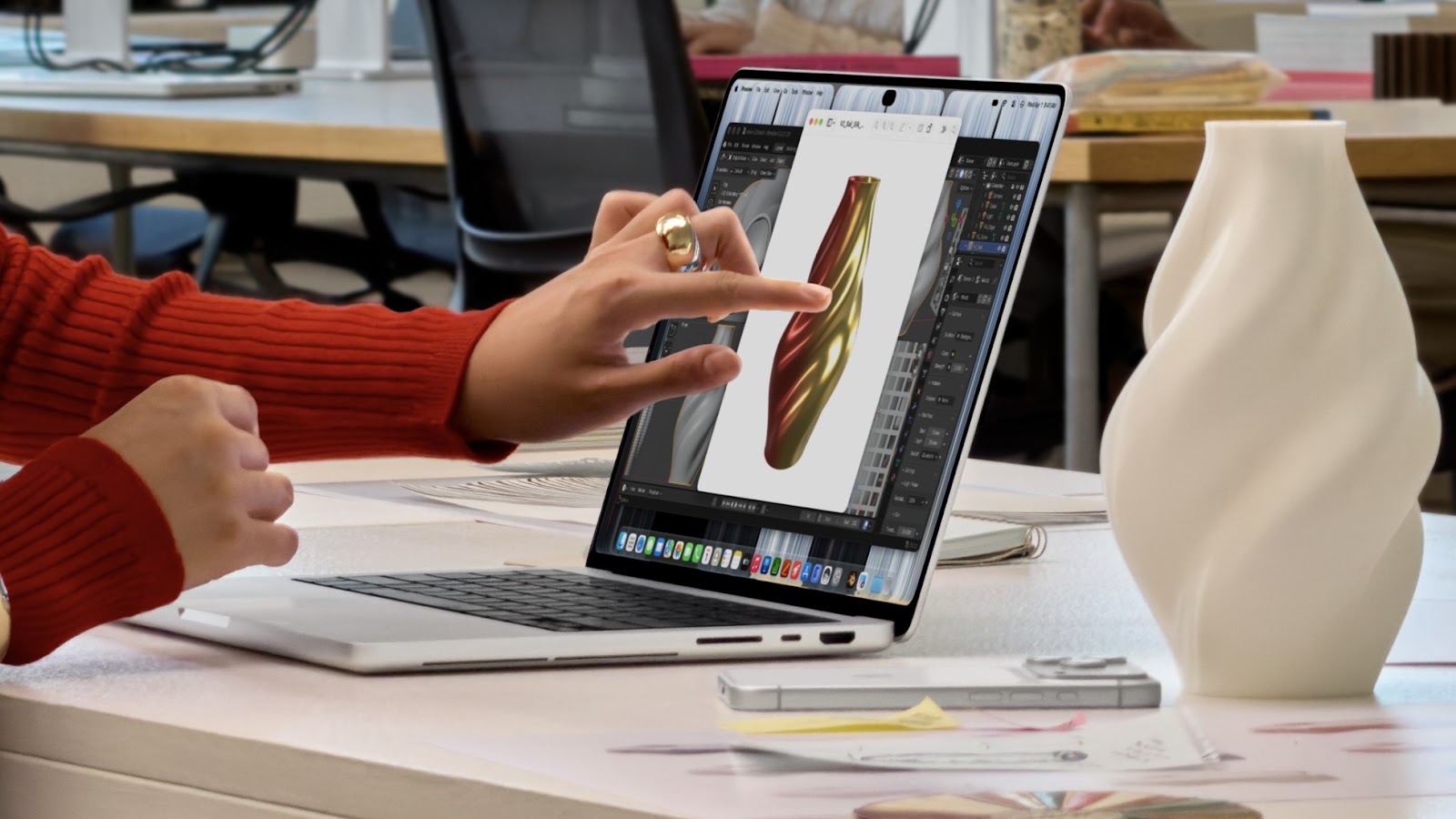
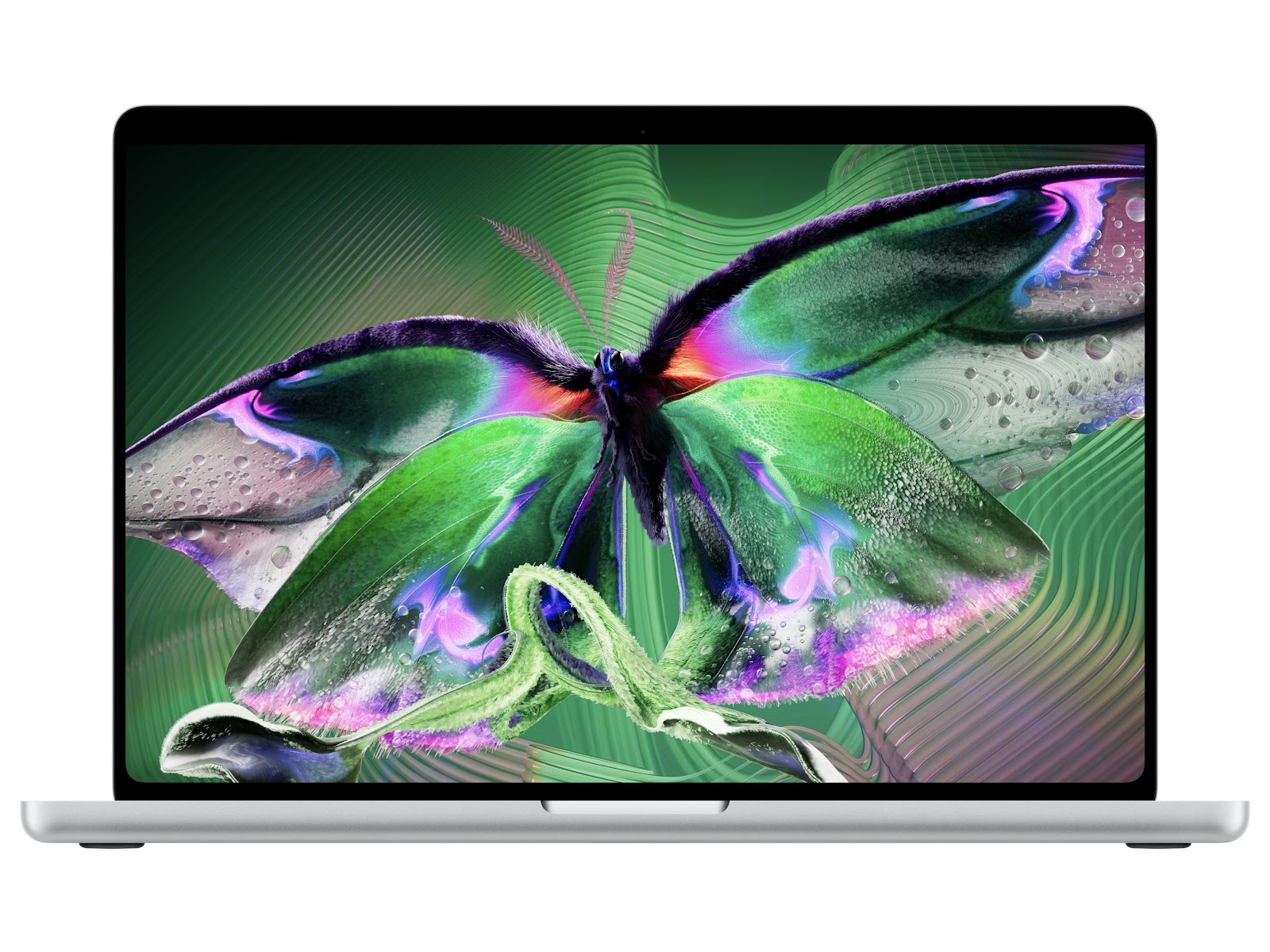
Unveiled on October 28, 2026, the new MacBook Pro featuring the PROLED XDR display brings touchscreen functionality to Apple’s professional laptop lineup for the first time. The new 14-inch and 16-inch models combine tandem OLED displays and M5 Pro and M5 Max processors with a feature Steve Jobs once argued was fundamentally uncomfortable to use on a laptop.

That makes this more than a hardware upgrade. It challenges a design philosophy that helped distinguish the Mac from the iPad, raising an important question: who actually wanted a touchscreen MacBook, and what does its arrival mean for people who bought an iPad Pro to work creatively?
Steve Jobs Had Already Explained Why Touchscreen Laptops Were a Bad Idea
To understand the significance of Apple’s decision, it is worth going back to October 2010.
During Apple’s Back to the Mac media event, Steve Jobs explained why the company had no plans to put touchscreens on its notebooks. His objection was not that the technology was impossible. It was that using a vertical touchscreen for extended periods was ergonomically uncomfortable.
“We’ve done tons of user testing on this, and it turns out it doesn’t work. Touch surfaces don’t want to be vertical,” Jobs said.
He argued that while reaching out to touch a laptop display might look impressive in a demonstration, prolonged use would cause arm fatigue. He famously described the experience by saying that, after an extended period, “your arm wants to fall off.”
Jobs believed touch worked best on a horizontal surface, as on the iPad, where users could interact with the display without constantly holding their arms up.
The Mac, meanwhile, was designed around a keyboard, mouse and multitouch trackpad. These were not merely legacy controls. They were deliberate choices intended to make sustained computer use more comfortable.
Apple maintained this distinction for years, even as Windows laptop makers embraced touchscreens, convertible designs and stylus support.
Jobs’ argument was not without merit. A touchscreen does not automatically make every interaction faster, and repeatedly reaching across a laptop to navigate a document or manage multiple windows can become tiring.
But there is a distinction between replacing a trackpad with a touchscreen and offering touch as an additional way to interact with a computer. Apple is now betting on the latter.
Why Is Apple Bringing Touch to the Mac Now?
The new MacBook Pro does not abandon the traditional laptop interface. Instead, touch works alongside the keyboard and trackpad, giving users another way to interact with content.
That distinction could prove important for professional workflows. Pinching to zoom into a photograph, moving elements around a design or directly selecting controls in a creative application can feel more intuitive than navigating everything with a cursor.
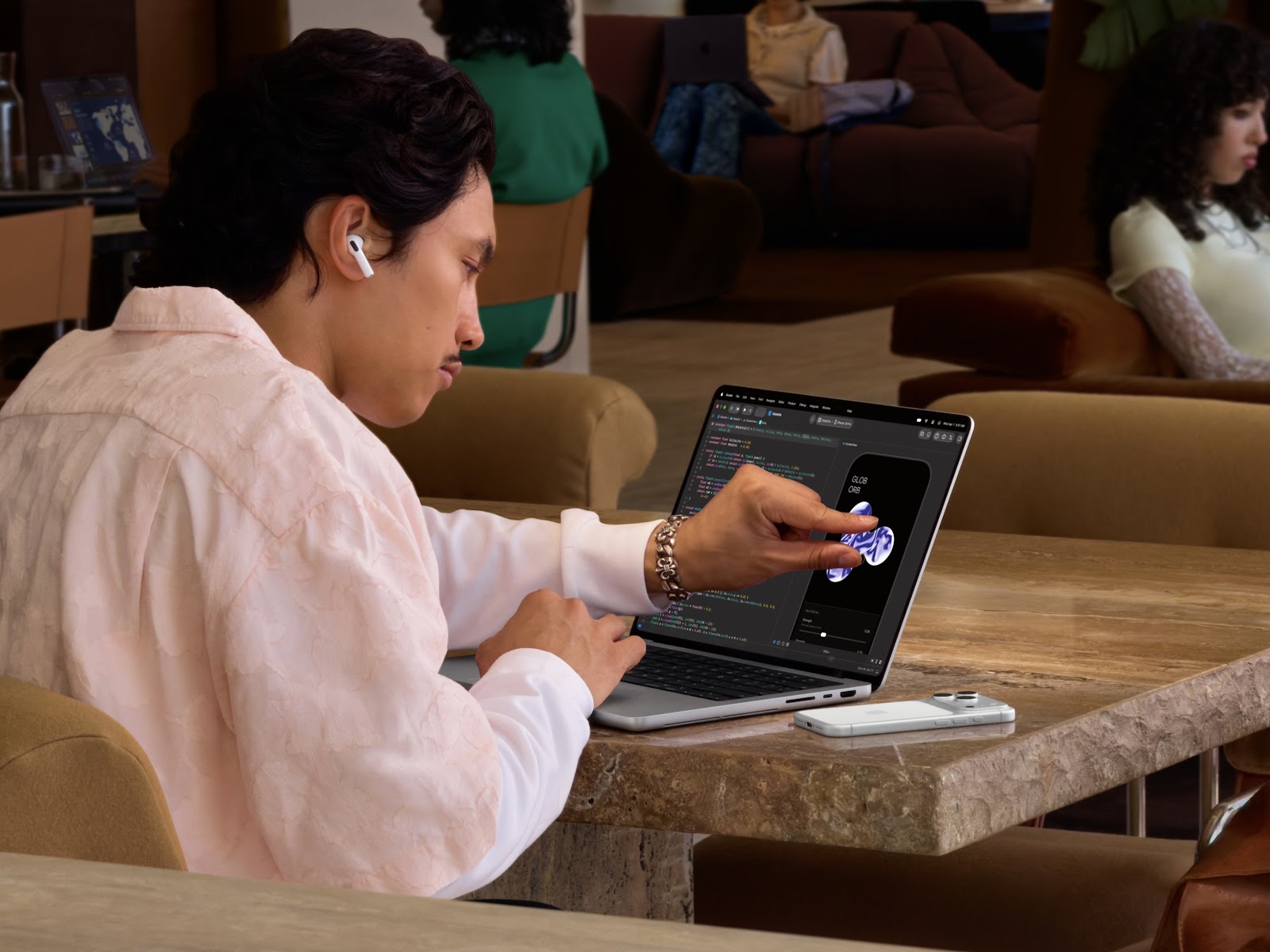
Other tasks, such as writing, managing multiple windows and navigating complex editing timelines, may still be better suited to a keyboard and trackpad.
The potential advantage lies in having both options available without switching devices.
Apple’s approach also reflects how professional software has evolved. Creative applications increasingly combine traditional desktop controls with interfaces designed for direct manipulation. Touch can be particularly useful when working with visual content, provided developers adapt their software rather than simply making existing buttons respond to taps.
That will be the real test for the touchscreen MacBook Pro. If touch meaningfully improves creative workflows, it could become a useful part of the Mac experience. If developers do little beyond adding basic tapping and scrolling, the feature risks feeling like an expensive addition to an otherwise familiar laptop.
The iPad Pro Problem: What Happens to People Who Bought One to Create?
This is where Apple’s decision becomes particularly interesting.
For years, the iPad Pro has been positioned as a serious creative device. Its touchscreen and Apple Pencil support make it attractive to illustrators, digital artists, photographers and video editors who want to work directly on their content.
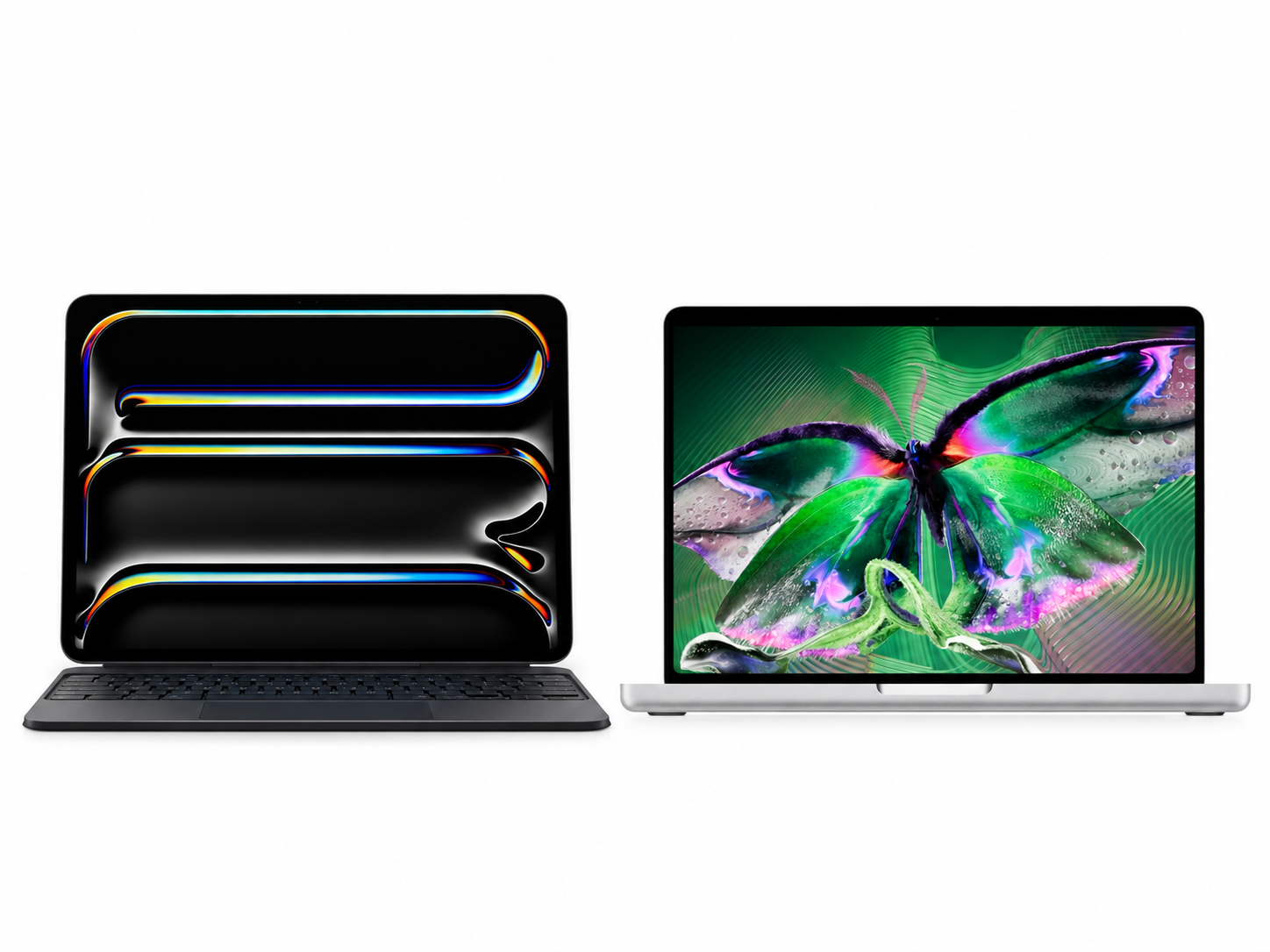
Drawing on an iPad feels different from drawing with a mouse. The display becomes the canvas, while the Apple Pencil provides a more natural way to sketch, annotate and manipulate objects. Apple has also brought professional applications such as Final Cut Pro and Logic Pro to iPadOS. Yet hardware power and a touchscreen alone do not guarantee a complete professional workflow. Some users still prefer macOS for its desktop applications, file management and multitasking capabilities. A designer working across several applications, a video editor relying on a particular desktop workflow or a developer using specialised tools may find that an iPad cannot replace a Mac. This has created a familiar dilemma: buy an iPad Pro for direct interaction and portability, or buy a MacBook for the flexibility of desktop software. For some creative professionals, owning both has been the only satisfactory solution. The touchscreen MacBook Pro could narrow that gap. Apple says the new Mac supports touch interactions in applications including Pixelmator Pro, Final Cut Pro, Adobe Lightroom, DaVinci Resolve, Blender and Shapr3D. These integrations could allow users to manipulate visual elements directly on the display while retaining access to macOS and desktop-class applications.
Imagine adjusting a design with your fingers, then switching to the keyboard for precise text entry and shortcuts. Or selecting clips and navigating a video timeline on the screen without giving up the flexibility of a desktop editing environment. For someone who wanted the directness of touch but could not afford to compromise on professional software, that combination could be compelling.
However, a touchscreen MacBook is not automatically an iPad Pro replacement. Touch input is not the same as a complete Apple Pencil experience, and buyers should not assume that the MacBook display supports the stylus-based drawing workflow available on the iPad. For illustrators who depend on pressure-sensitive drawing and precise pen input, the iPad Pro may remain the better choice. For photographers, designers and editors who mainly want occasional direct interaction with their work, the MacBook could offer a more practical all-in-one solution.
Does This Make the iPad Pro Less Relevant?
Apple’s product strategy has traditionally given the Mac and iPad different roles.
The Mac is a conventional computer built around indirect input and desktop software. The iPad is a touch-first device designed around portability, direct interaction and, increasingly, keyboard-based productivity.

Over the years, however, the boundaries have become harder to maintain. The iPad gained keyboard and trackpad support, more capable multitasking and professional applications. Meanwhile, Apple silicon made MacBooks increasingly capable of handling demanding creative workloads in portable designs. The touchscreen MacBook Pro brings these two approaches closer together. For students, photographers and creative professionals who want a single primary device, the combination of macOS, powerful hardware and touch input could reduce the need to carry or purchase separate machines. But the iPad still has advantages that a laptop cannot easily replicate. Its lighter, more flexible form factor makes it easier to hold, rotate and draw on. Its Apple Pencil experience is designed around direct creation rather than simply adding touch controls to a traditional computer. The distinction may therefore shift from what each device can technically do to how people prefer to work. An iPad Pro can remain the better digital canvas, while a touchscreen MacBook can serve as a more versatile workstation. Their capabilities may overlap, but their physical designs and software experiences still matter. There is also a commercial consideration. Apple must make the MacBook compelling enough to attract customers who might otherwise buy an iPad Pro, without undermining the tablet’s role in its product lineup. Whether the new MacBook ultimately reduces iPad Pro sales will depend on how many customers value a single device over the specialised experience of owning both.
Beyond Touch: What the New MacBook Pro Offers Creative Professionals
Touch is only one part of Apple’s new MacBook Pro.
The PROLED XDR display uses tandem OLED technology, offers a refresh rate of up to 120Hz, reaches up to 2,000 nits of peak brightness and supports both P3 and Adobe RGB colour spaces. Apple is also introducing M5 Pro and M5 Max processors, configurations with up to 128GB of unified memory and storage options reaching 16TB.
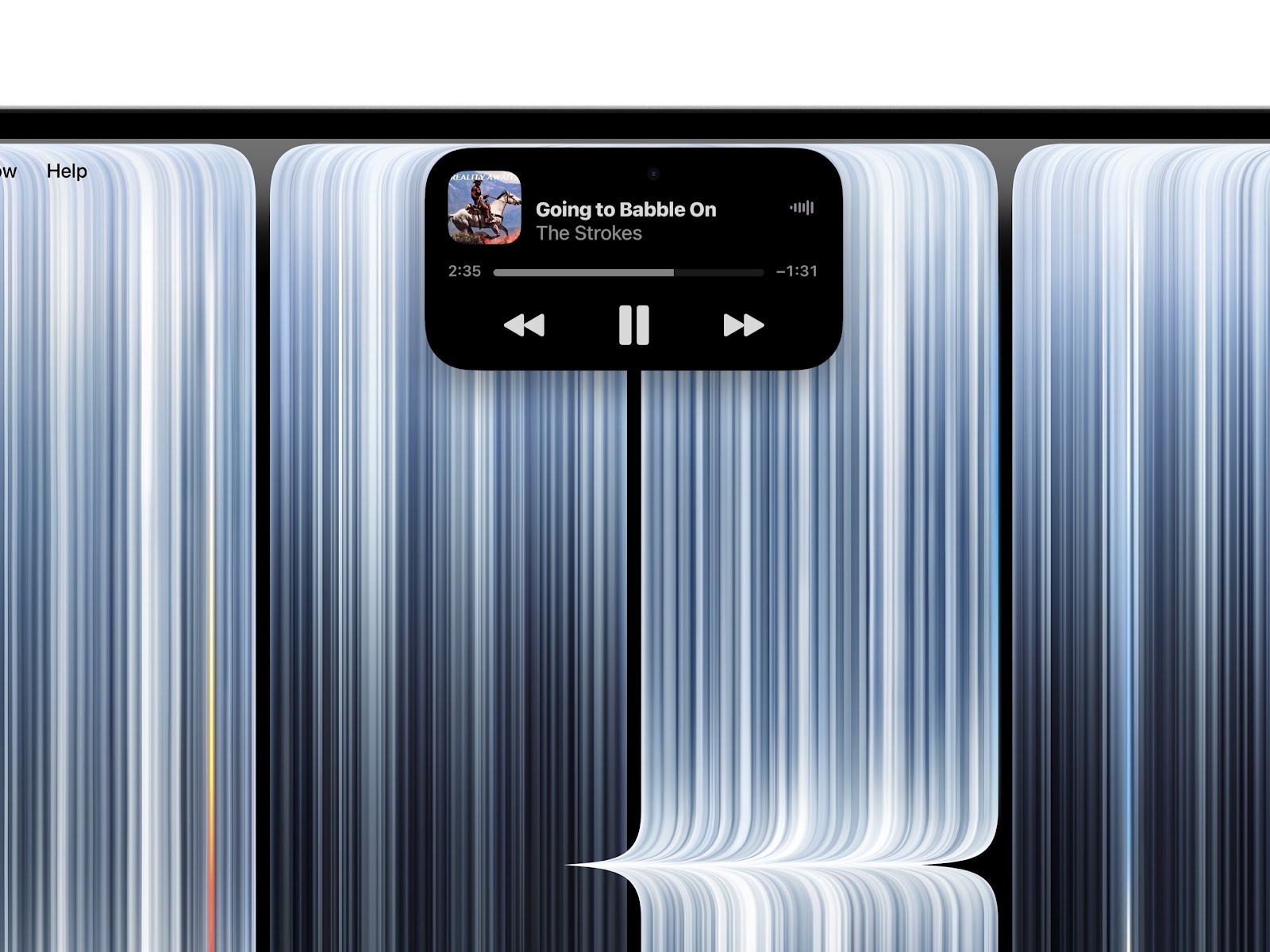
For creative professionals, these specifications matter independently of the touchscreen.
Photographers and colourists need displays capable of reproducing colour accurately. Video editors benefit from processing power and memory when handling demanding projects. Designers working with complex assets need a machine that can manage their applications without slowing down.
Touch adds another layer to this package, but its usefulness will depend on software support.
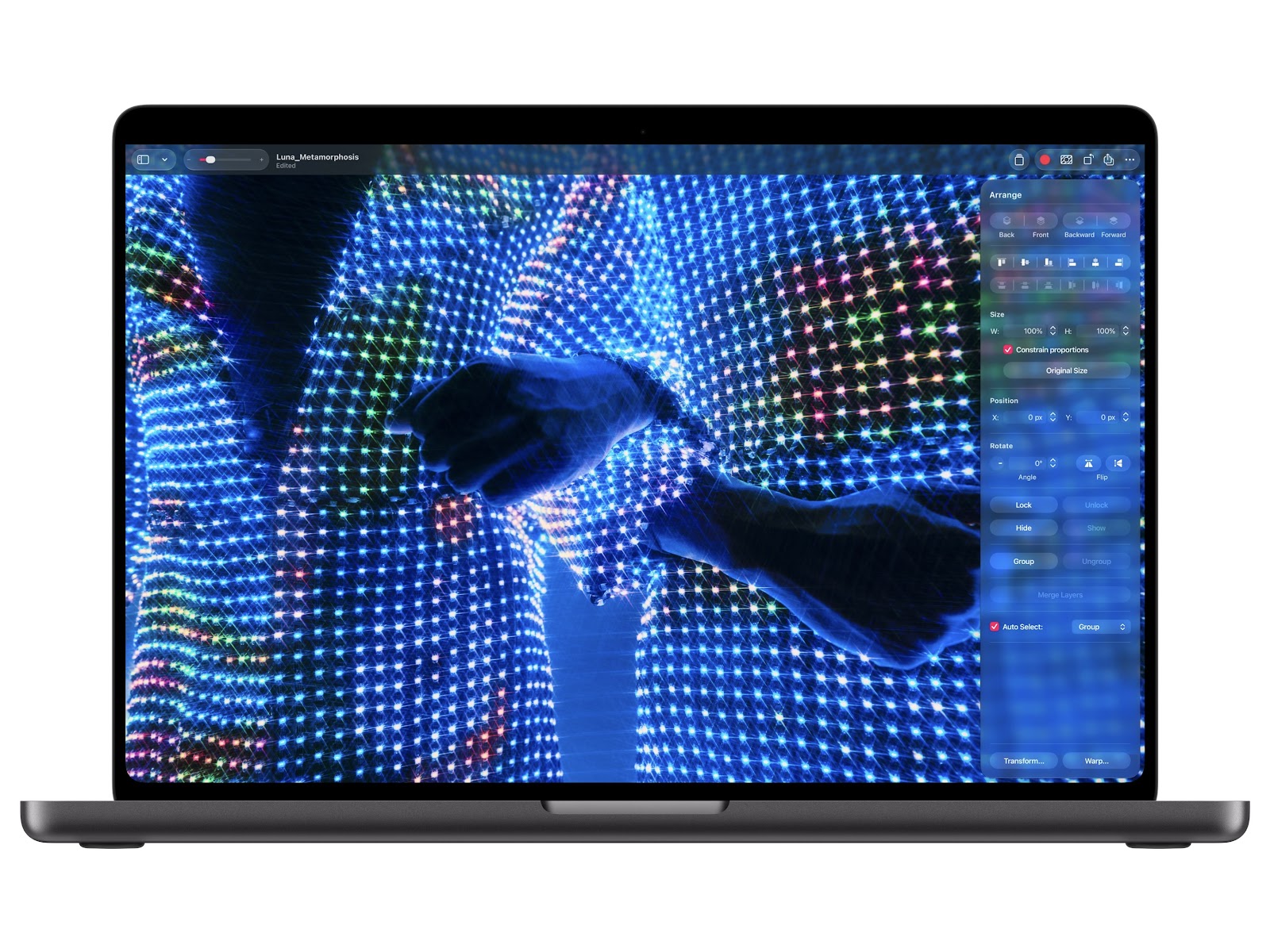
Applications such as Final Cut Pro, Logic Pro and Pixelmator Pro offer opportunities for more direct interaction with timelines, instruments and visual elements. Developers will need to decide which tasks genuinely benefit from touch and which remain better suited to a pointer. There is also the ergonomic question Jobs raised in 2010. For occasional adjustments, touching the screen may be convenient. For hours of continuous work, the keyboard and trackpad may remain more comfortable. Apple does not need to make touch the primary input method for it to be useful. It needs to demonstrate that the option improves the experience when users choose to use it.
Who Actually Asked for a Touchscreen MacBook?
Perhaps the more revealing question is why Apple waited until 2026 to introduce one.
Jobs’ argument was rooted in a genuine concern about prolonged use of vertical touchscreens. Apple’s decision does not automatically invalidate that concern. Instead, it suggests the company now believes touch can be valuable when offered alongside conventional laptop controls. The change also reflects what customers have come to expect from computing devices. Tablets have become more capable, creative software has evolved and users increasingly move between touch-based and pointer-based interfaces depending on the task. For creative professionals, the implications are straightforward. Someone who bought an iPad Pro primarily for drawing may still prefer the iPad and Apple Pencil. Someone who needed desktop software but wanted occasional touch interaction may find the new MacBook Pro a more attractive option. And someone who has always wanted both experiences in one machine finally has another product to consider.
The price, however, remains a significant factor. The new 14-inch MacBook Pro with M5 Pro starts at ₹3,49,900 in India, while the 16-inch model starts at ₹4,09,900. M5 Max configurations start at ₹5,49,900 and ₹5,89,900, respectively.
At those prices, touch alone is unlikely to justify an upgrade. Buyers will need to weigh the complete package, including display quality, performance, software compatibility and the extent to which touch improves their everyday work.
Sixteen years after Jobs argued that vertical touchscreens were ergonomically terrible, Apple is giving Mac users the option to decide for themselves.
The real test will not be whether Apple can prove its co-founder wrong. It will be whether touch makes the MacBook meaningfully better without compromising the experience that made it a professional favourite in the first place.
For creative professionals who have spent years choosing between the iPad’s direct interaction and the Mac’s desktop capabilities, that may be the most important change of all.